 ShareAm
ONE
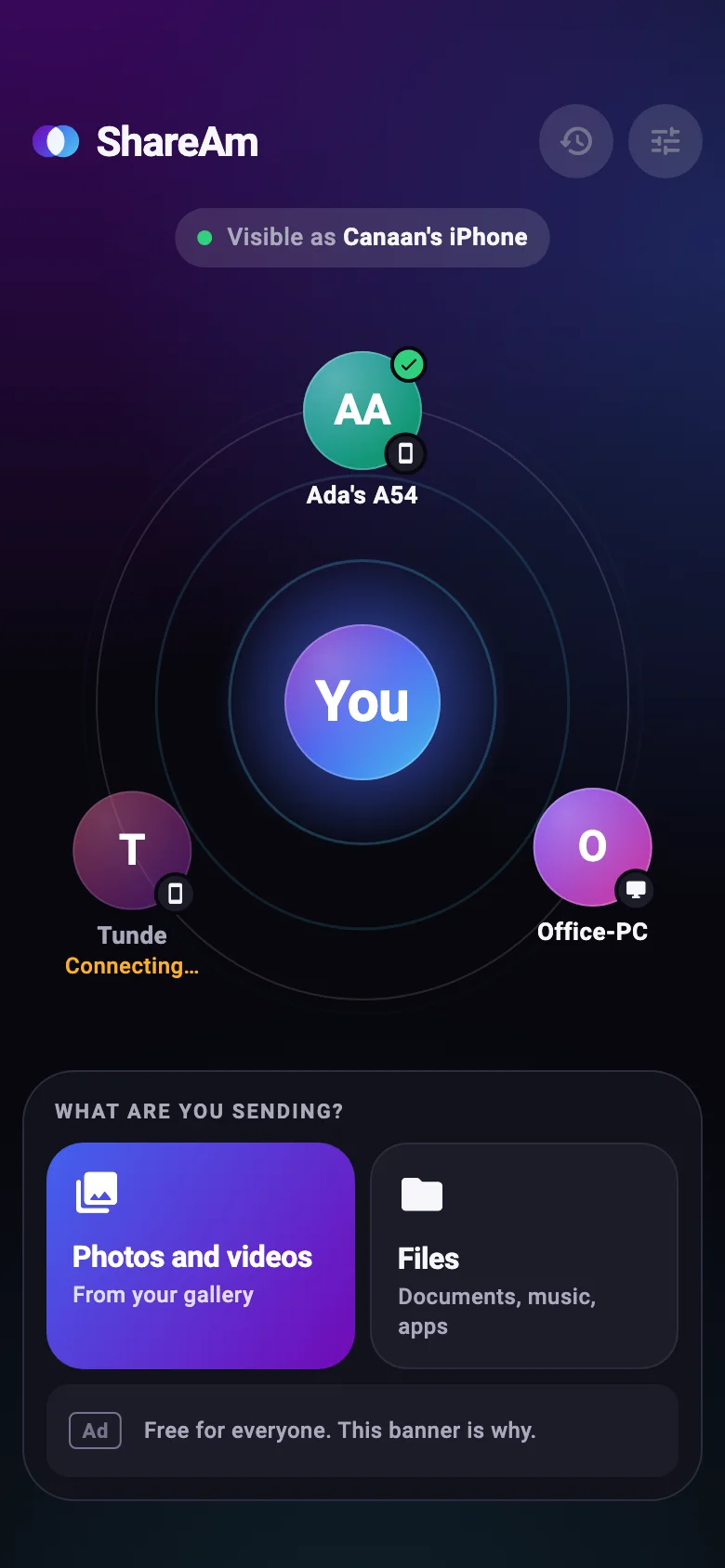
Open ShareAm on both
Everyone nearby on the same Wi‑Fi appears around you. If the app is open, it can receive.
ShareAm moves photos, videos and files straight between phones and computers on the same Wi‑Fi. Your files never go to the internet, so sending them costs you no data.
How it works
No hotspot to set up. No settings to change. No choosing between "send" and "receive".
ONE
Everyone nearby on the same Wi‑Fi appears around you. If the app is open, it can receive.
TWO
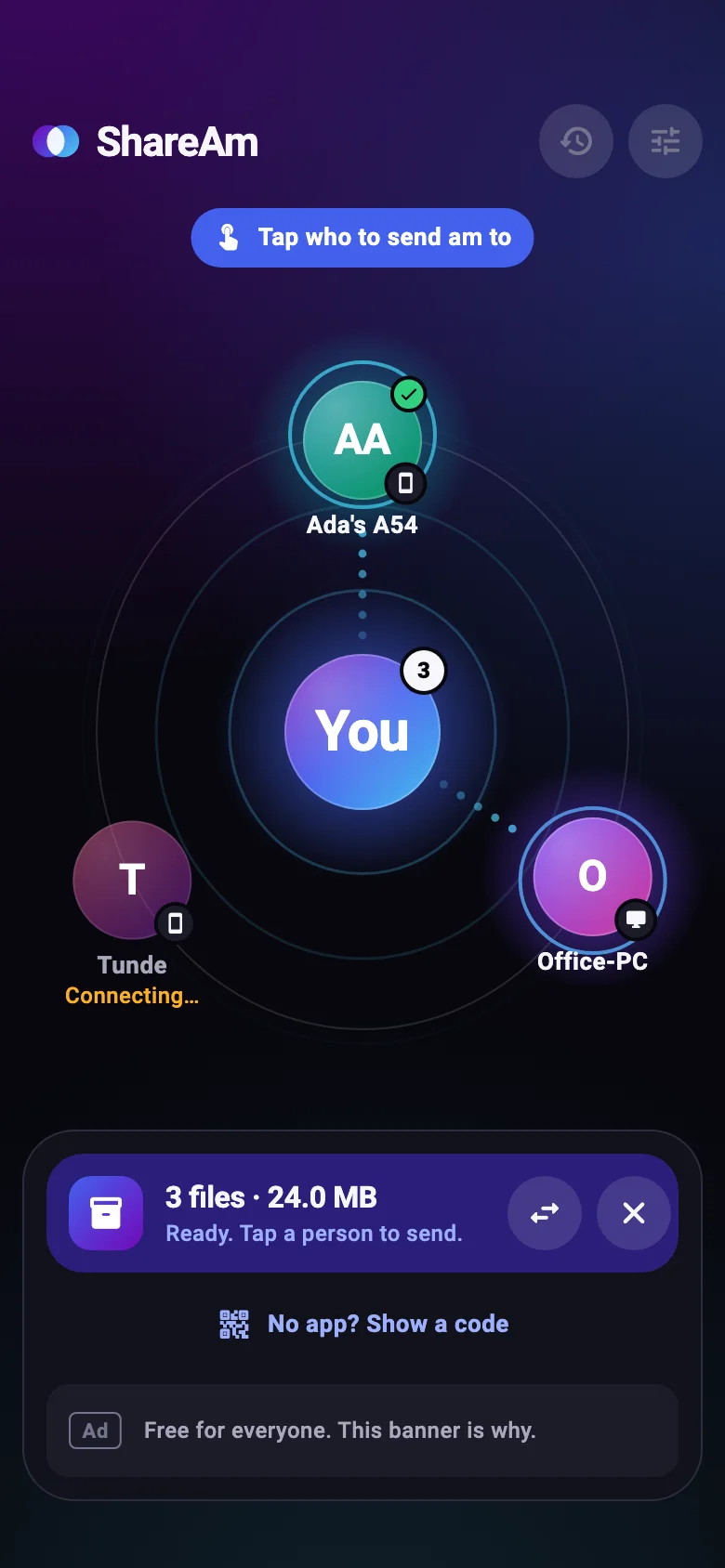
Photos and videos from your gallery, or any file: documents, music, apps.
THREE
It goes. Or tap the person first and pick after. There is no wrong order.
Why ShareAm
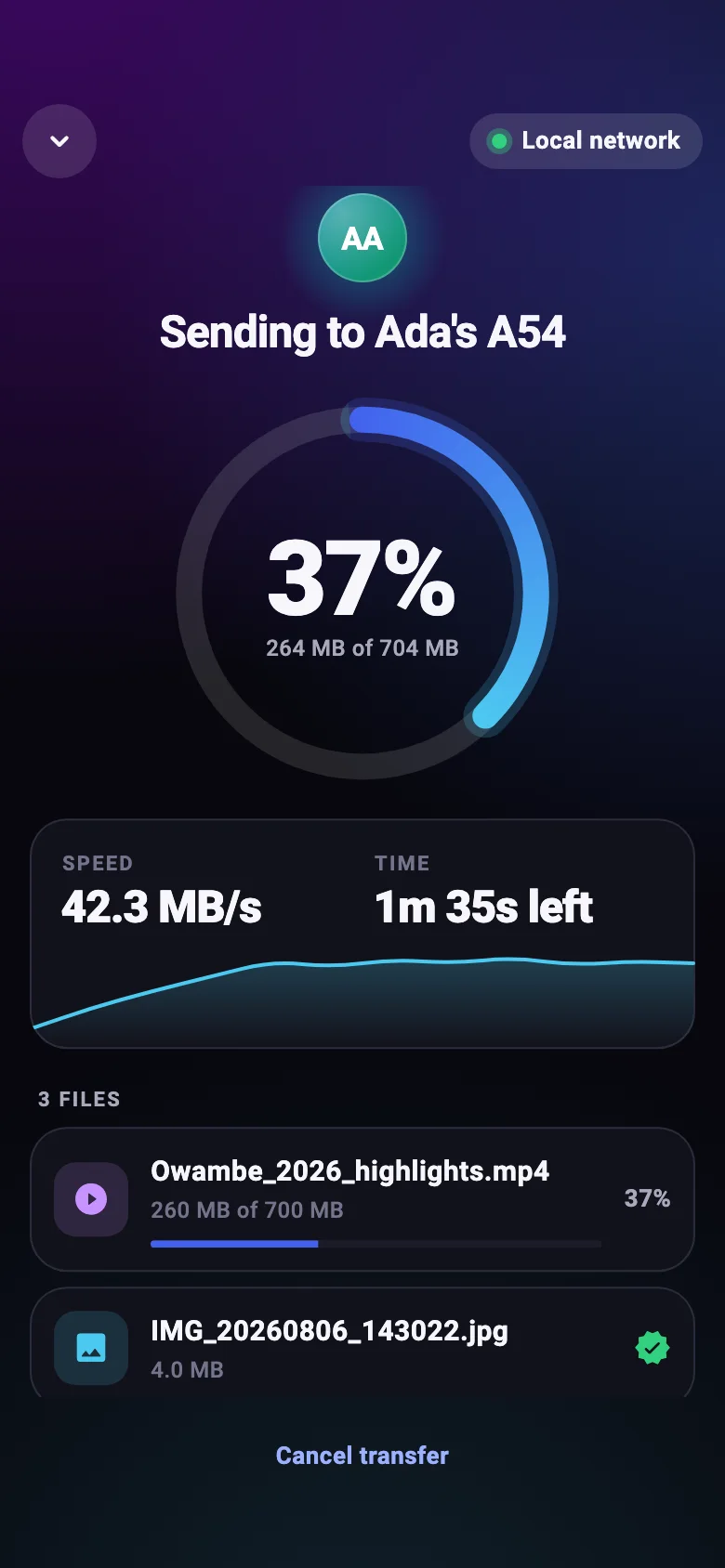
Files travel over your Wi‑Fi from one device to the other. The internet is not involved, however big the video.
Every transfer is encrypted between the two devices. No account, no server, and your files are never uploaded anywhere.
If the connection drops, ShareAm picks the transfer back up from where it stopped.
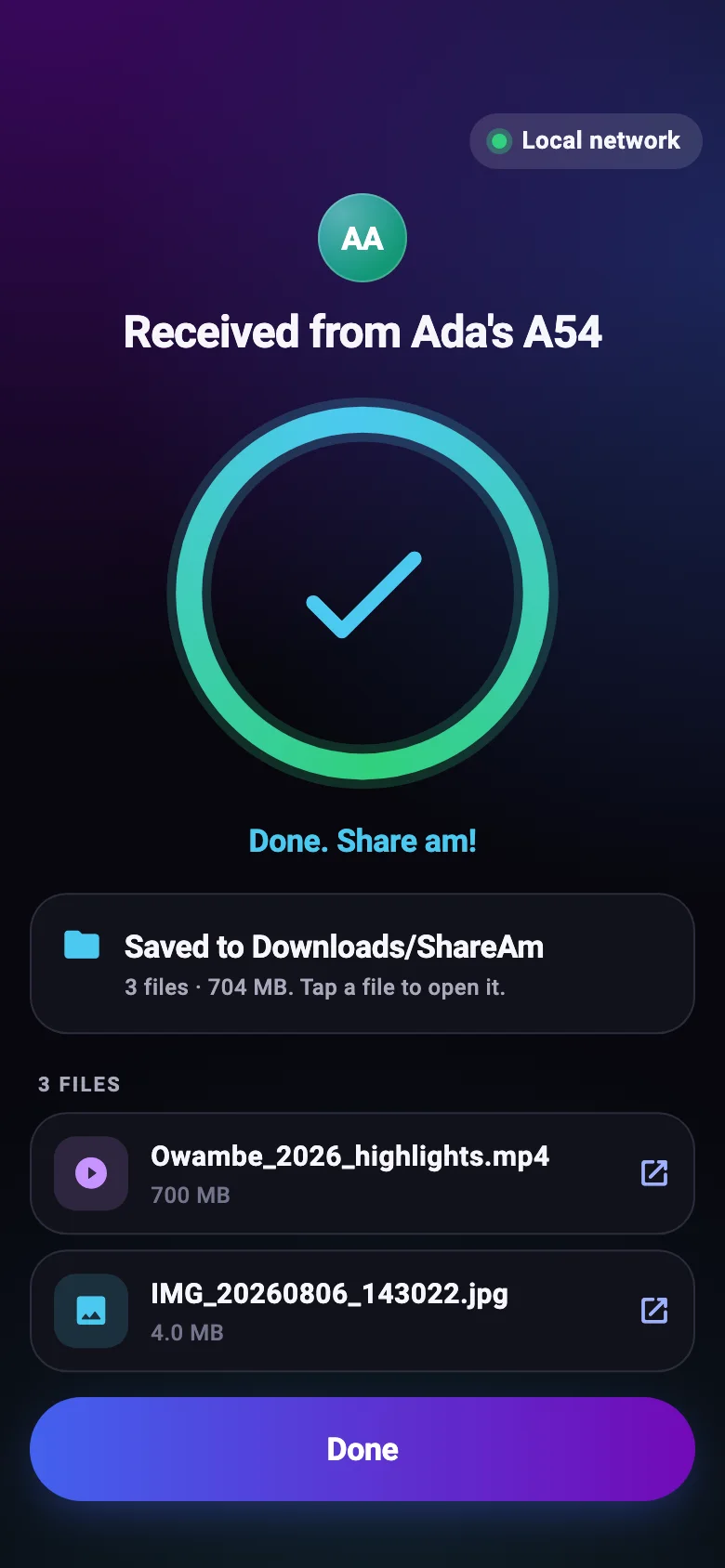
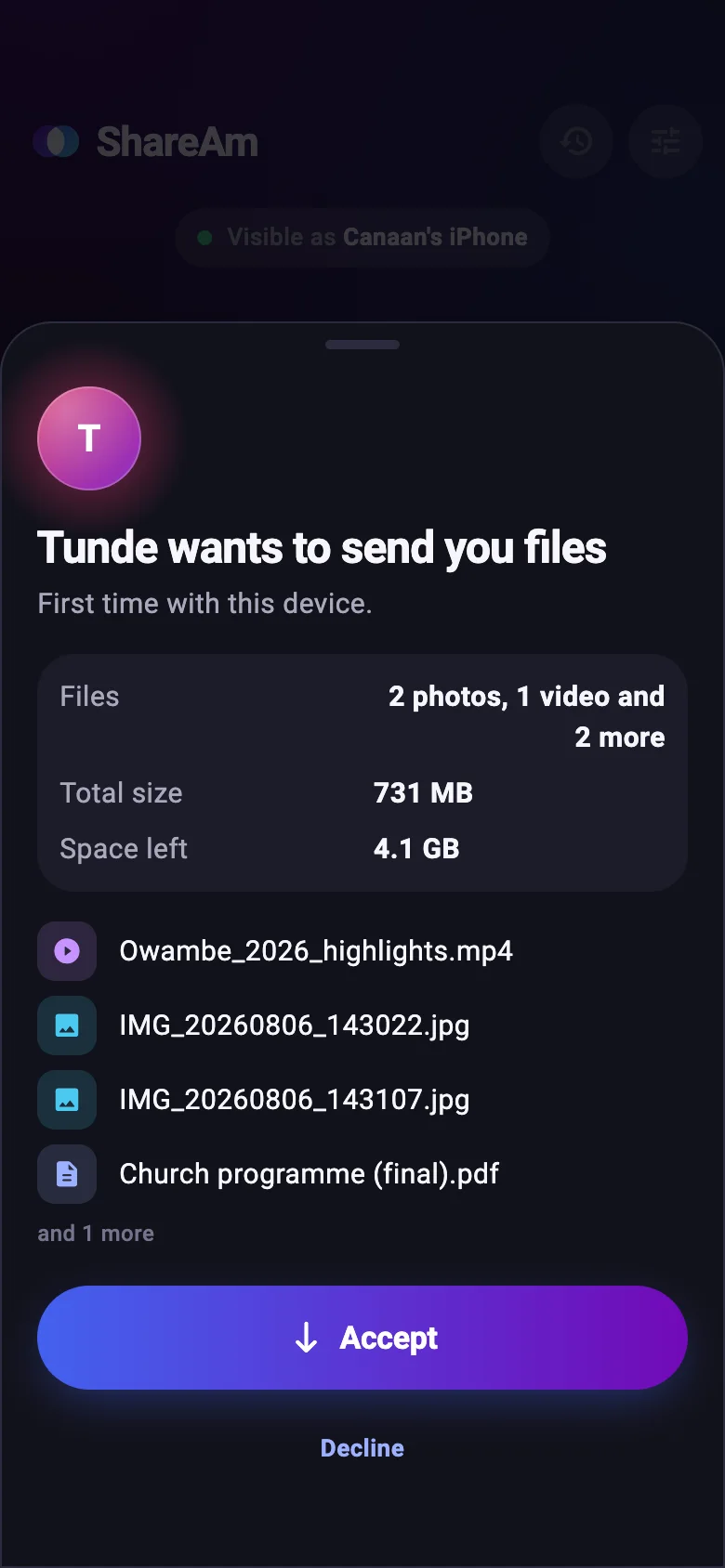
When a file arrives, ShareAm says where it was saved, and one tap opens it.
Every feature is free. One small banner pays for it, and it steps aside while a transfer runs. No pop‑ups, no video ads, no feed.
Android, iPhone and Mac, in any combination. A phone to a laptop is the same three taps.
Nobody is left out
The person you are sending to does not need ShareAm. Show them a code and the files open in their browser.

A closer look
Get ShareAm
ShareAm is being tested on real phones right now. It is not in the app stores yet. This page will have the download the day it is.
Phones and tablets.
Coming soonPhotos and files.
Coming soonSend to and from your laptop.
Coming soonQuestions
Sending and receiving use none. Files go straight from one device to the other over your Wi‑Fi and never touch the internet. The one small banner is the only part of ShareAm that loads from the internet, and you can turn it off in Settings.
Yes. Both devices join the same Wi‑Fi network, at home, at work or anywhere else. The Wi‑Fi does not need to have internet.
It is quickest when you both have it. If they do not, show them a code: they scan it, type four numbers, and the files download in their browser.
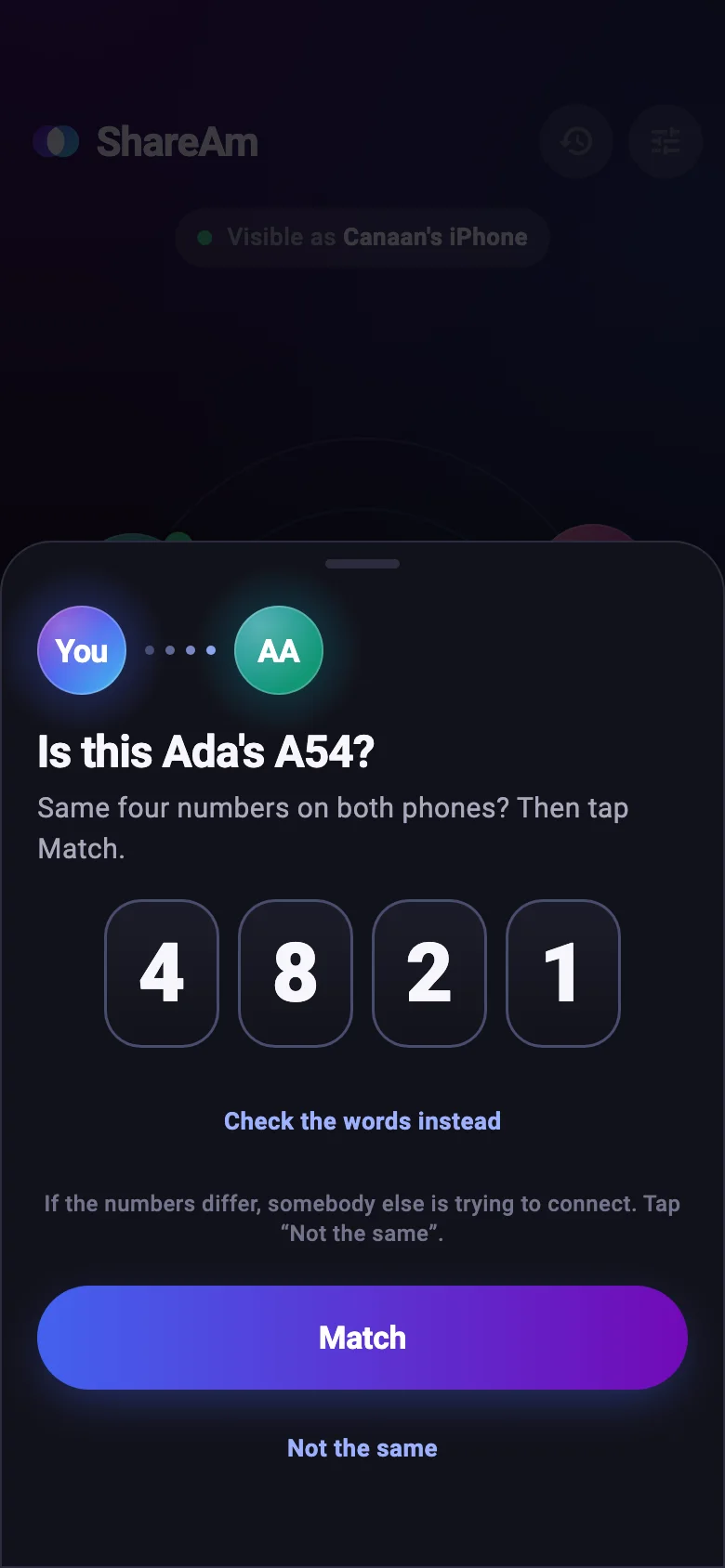
Every transfer is encrypted between the two devices. The first time you share with someone, both screens show four numbers. If they match, it is really them. There is no account, and your files are never stored on a server.
On Mac and most Android phones, into Downloads, in a folder called ShareAm. On iPhone, into ShareAm in the Files app. The app tells you each time, and one tap opens the file.
Nothing. Every feature is free for everyone. One small banner pays for it, and you can turn even that off in Settings.